- 10×
- Increase in posting frequency
- 1M+
- Views generated by creator channels
- 0
- Cameras, lights or gear required
The hard part of a content schedule is not the idea, it is the fifth video of the week. BeHooked takes the parts that do not need you — the edit, the captions, the voiceover, the resize — and leaves you the part that does.
A content calendar doesn't wait for a shoot day.
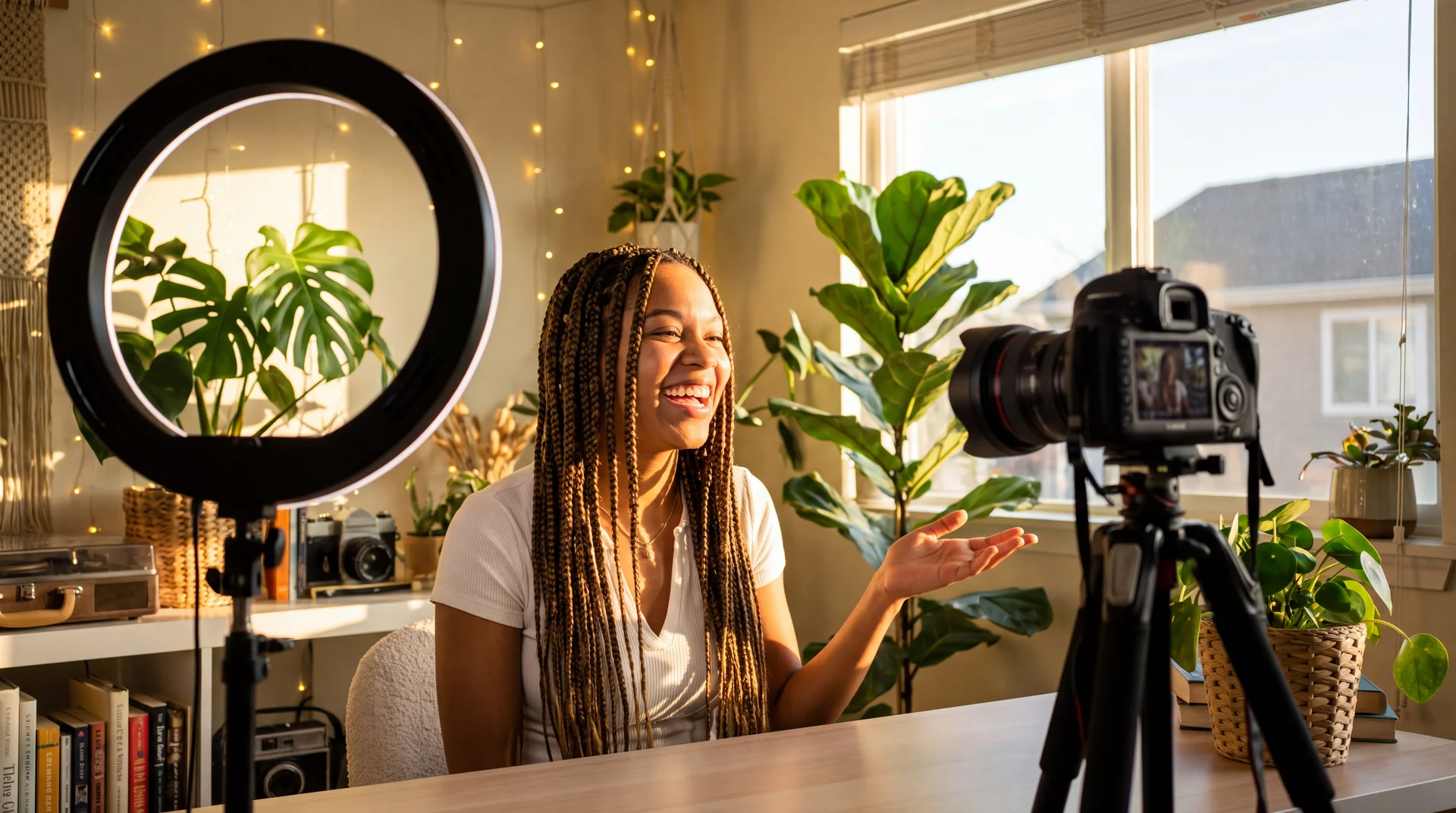
Every platform wants something slightly different — a talking-head cut for one, faceless for another, captioned and resized for a third. Filming it all yourself does not scale, and hiring it out does not move fast enough. The fifth video of the week is where the schedule quietly dies.
How it goes today
- A week's schedule dies when one shoot day is lost
- Captions and cutdowns are the tax on every upload
- Being on camera is a prerequisite for the format
- One video becomes one post
How it goes here
- A week's schedule is generated whether you filmed or not
- Captions, sound and ratios are applied on export
- A cloned voice or a presenter carries the episode
- One video becomes a vertical, a square and a landscape cut
A script in, three platforms out.
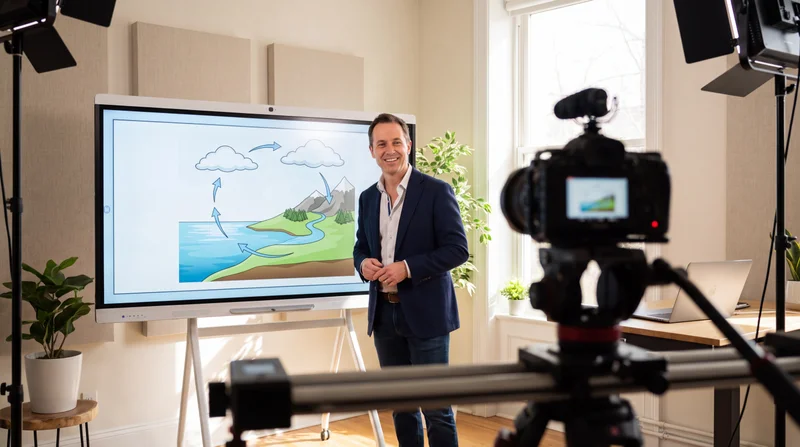
A talking-head clip generated from a script, captioned, and resized for three platforms — in one pass.
- Paste a script, an outline, or a single line of premise
- Put a face to it, or run it faceless on narration and B-roll
- Export vertical, square and landscape from the same cut
Whatever the platform calls for, it is here.
The studios a channel reaches for, whether or not you were on camera this week.

Use them in whatever order the piece actually needs, not a fixed sequence.
Made for the volume this actually takes.
Three things that keep a channel sounding like itself at five posts a week.
One voice, every clip
Save it once and generate with it across every app, so a channel sounds like itself even when nobody is behind a mic that day.
One export, every platform
Set the aspect ratios you need once. Every export from a project follows them automatically, so one video stops meaning one post.
No re-uploading between apps
Generate a clip, caption it, resize it, all from the same project. Nothing gets exported just to get re-imported somewhere else.
How the work actually moves.
Four stages of one production run, in the order they happen.
-
Start with a script or a sentence
A full script, an outline or a single line of premise is enough to get the first cut back, in your own voice if you have cloned it.
-
Put a face to it, or don't
Talking-head presenters carry an episode with lip-sync that holds at full frame; a faceless channel runs on narration and B-roll instead.
-
Let the edit finish itself
Word-by-word captions, sound effects and music land on the beat rather than being placed by hand afterwards.
-
Export once per platform
Vertical for Shorts and TikTok, landscape for YouTube, square for feed — the same episode, cut for where it is going.
Made for social, by BeHooked
Channel stills generated on this surface, the kind a week of posts is made of.
Not just us saying it.
What content & social say after the first month.

We went from filming twice a week to generating on demand. Our posting frequency doubled without adding a single shoot day.

Built for Growth at Every Stage
Every plan includes every model and every feature. Plans only change how many credits you get and how many generations run at once.
- Credits refresh monthly
- Top-up additional credits anytime
- Unused credits don't roll over

Not ready for the commitment?

FAQs
Questions, answered.
The things content & social ask before they start.
Can I clone my own voice or face?
Yes. Voice cloning and presenter training both exist, so a faceless channel can still sound like you and a talking-head channel can still look like you.
Are exports watermarked?
No. Every render on an active plan or credit package exports at full resolution with no watermark.
How long does a short-form video take to generate?
Minutes rather than hours for a typical vertical cut. The time is compute, not queueing behind an editor.
Other ways teams use it.
Nothing is gated by audience — these are the same workspace, arranged for a different week.