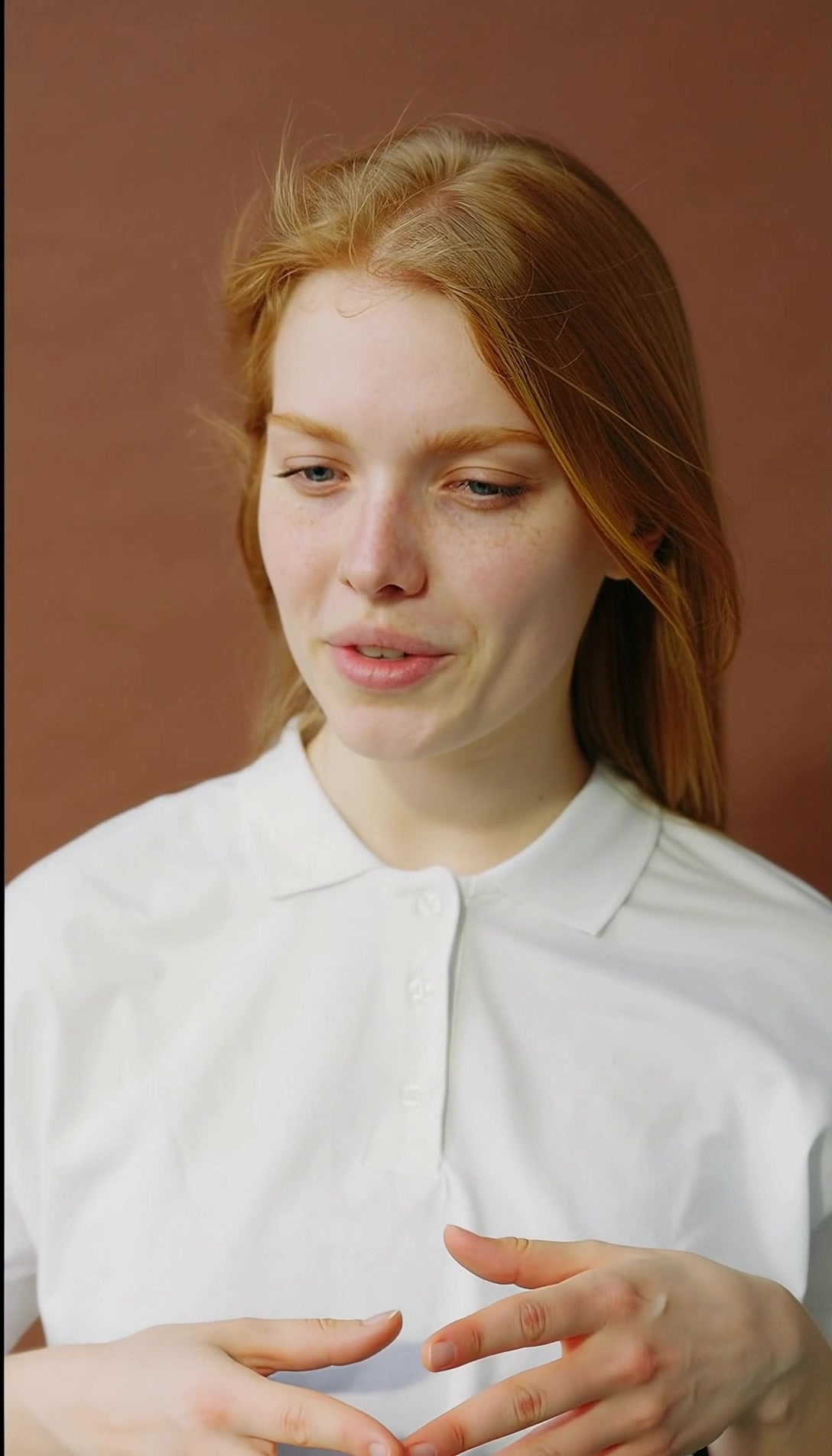
The take you shot, with a different lead
The source clip and the recast render, side by side. The blocking, the camera move and the timing are the original take — only the performer changed.
- Source clipRecast
- Source clipRecast
A clip, a face, and the resolution to render at
Upload the video
The clip you want to keep — its framing, its camera move and its pacing all survive the swap. Thirty seconds is the ceiling, and it is enforced before you spend anything.
Add one reference image
A single photo of the character you want in the shot. No training set, no multi-angle capture.
Pick the resolution and render
720p or 1080p, priced per second of output, with the credit figure on the button before you commit. The run takes about five to ten minutes and lands in your library beside the source.
What Recast takes, and what it returns
What Recast needs from you
- Video
- The source clip, 30 seconds maximum
- Reference image
- One photo of the character going in
- Typical run time
- 5–10 minutes
Export specifications
- Resolutions
- 720p or 1080p
- Audio
- The source clip's original sound, kept on every run
- Delivery
- Rendered clip in your workspace library, re-openable from the History drawer
- Rights
- You own the outputs, to the extent they can be owned, and may use them commercially — see the Terms
The resolution it renders at
One decision. The reference image supplies the character and the source video supplies everything else — the motion, the camera, the timing and the original sound are all fixed behaviour rather than settings.
-
Resolution
720p or 1080p
Defaults to 720p at 386 credits per second of output; 1080p is 515. A 30-second clip is the longest source the app accepts.
Engine choice
Two ways to run it. Pick the one that matches your source.
- Default
720p
The default tier, at 386 credits per second. Fast enough for iteration and social delivery.
Drafts and vertical cuts
- Higher detail
1080p
Full HD output at 515 credits per second, for the take you are actually shipping.
Final delivery
Built for teams reusing footage they already have
-
Performance marketers
Run the same winning creative with a different face rather than booking another shoot.
-
Agencies
Localise a hero spot for a market that needs a different presenter.
-
Content teams
Put a founder or an ambassador into footage that was shot without them.
Often used with

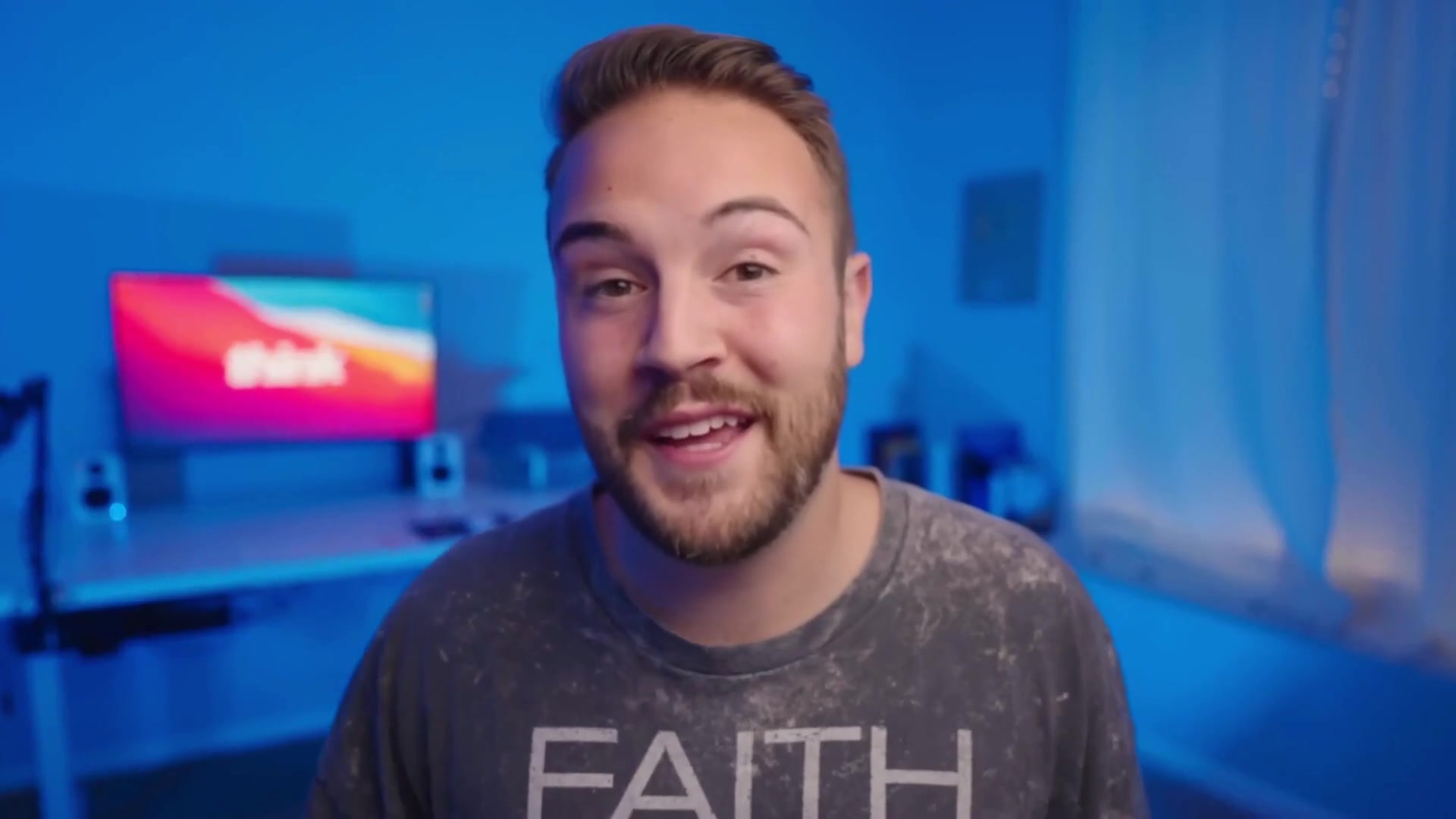
Built for Growth at Every Stage
Every plan includes every model and every feature. Plans only change how many credits you get and how many generations run at once.
- Credits refresh monthly
- Top-up additional credits anytime
- Unused credits don't roll over

Not ready for the commitment?

FAQ
Frequently asked questions
Everything you need to know about Recast on BeHooked.
How many photos of the new character do I need?
One. Recast takes a single reference image alongside the video — there is no training step and no multi-angle capture.
How long can the source video be?
Thirty seconds. The limit is enforced on upload rather than at render time, so a clip that is too long is caught before you spend credits on it.
Does the original audio survive?
Yes. Recast keeps the source clip's sound on every run, so the dialogue and room tone come through the render. It is fixed behaviour rather than a switch.
Does the swapped character follow my video or my photo?
The video. The pose, the camera relationship and the timing all come from the source clip, and the reference image supplies the character rather than the framing. This is fixed behaviour, not a setting you choose.
What does a run cost?
386 credits per second of output at 720p and 515 at 1080p, so a ten-second swap is 3,860 or 5,150. The figure is shown on the button before you commit, and failed runs are refunded.
How long does a render take?
Between five and ten minutes for most clips. The output lands in your library and stays re-openable from the History drawer.