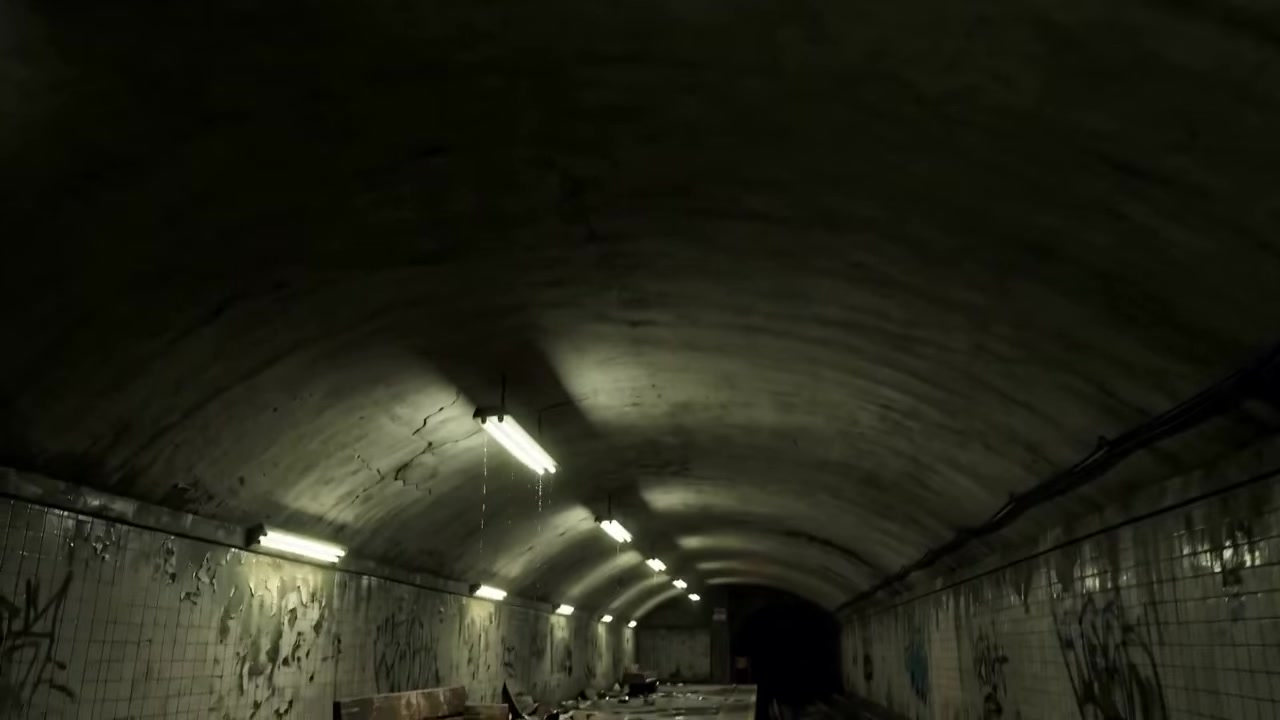
The cast is drawn first, then the film
A reference sheet per character and a plate per location are settled before anything is rendered, so the same face and the same room survive every shot. The render is the expensive step, and the only one that is.
-
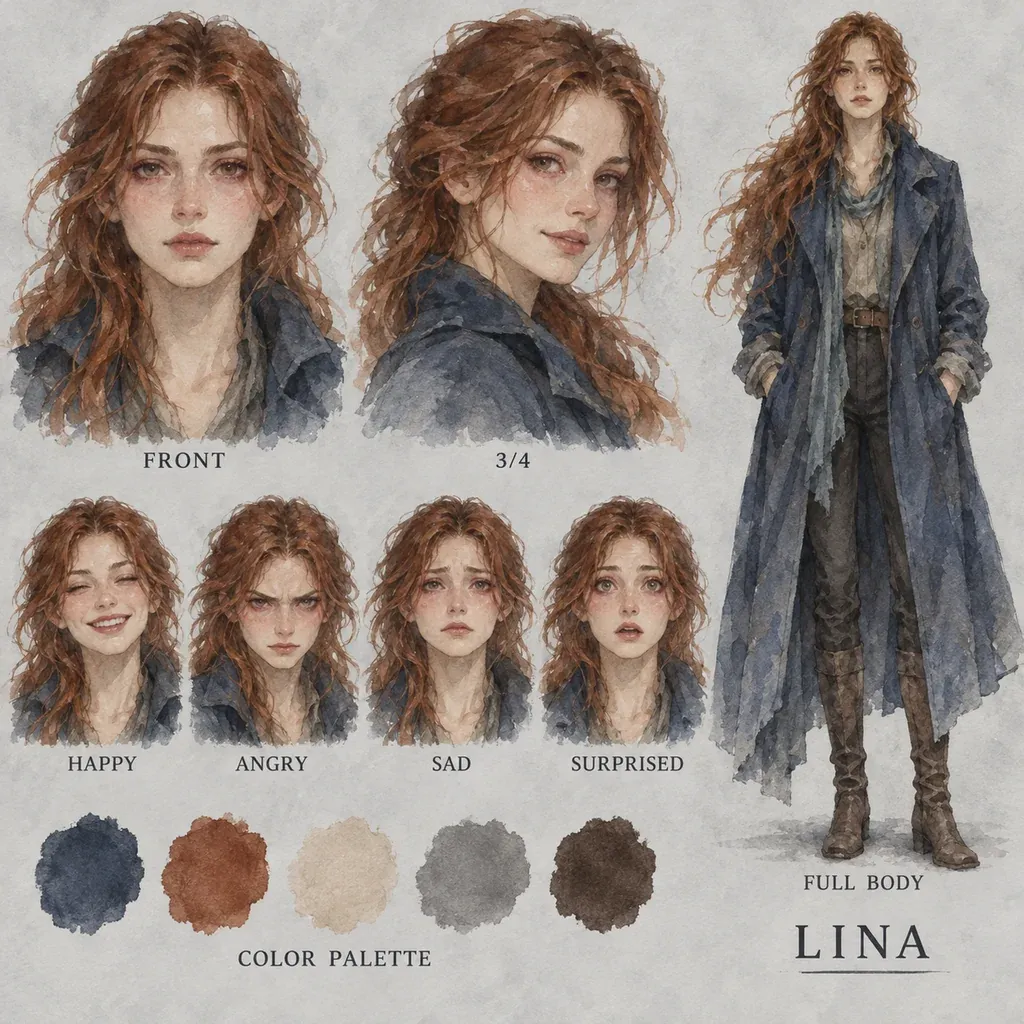
Character sheet A character, then their scene
Lina's sheet was drawn once, in the Watercolor look, and every shot she appears in was built from it — the same hair, coat and scarf from the café's doorway to its table.
-
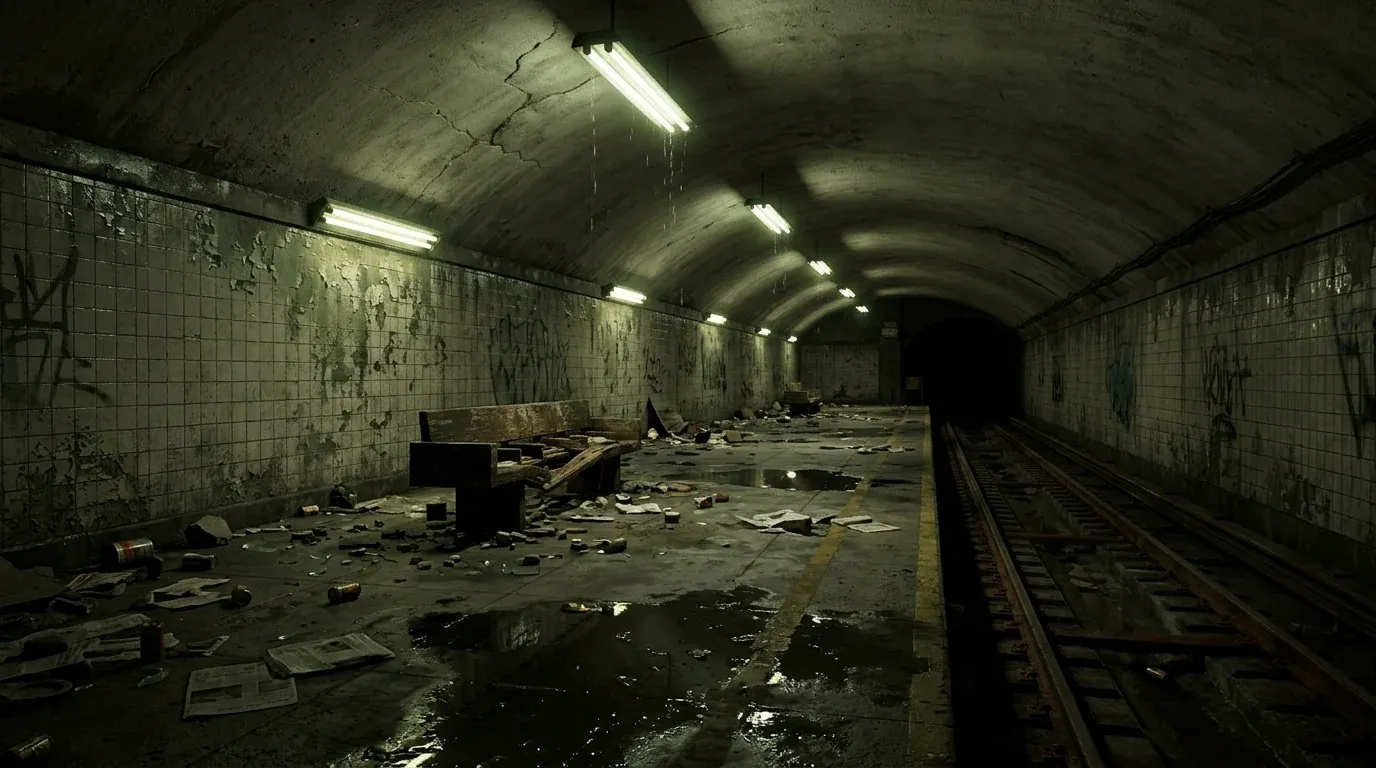
Location plate A location, then the shot in it
A plate per place, for the same reason — the room is settled before anything expensive is rendered in it.
Six stages, and only the last one is expensive
Script
Paste or write the scenes, characters and dialogue. The script is the whole content input, and you pick the look and the framing alongside it.
Review
The cast, the locations and the lines the app read out of your script, shown back to you. Editing here is free — a misread character or a wrong line costs nothing to fix at this point.
Characters
One reference sheet per character and one plate per location. Redraw any of them, or upload your own, so the film's faces and places are settled before a frame of it is rendered.
Storyboard
One still per shot, at 19 credits each. This is the cheap way to find out if any shot is wrong.
Generate
Each segment renders on its own. A failed segment retries by itself without touching the rest — and a failed retry costs nothing.
Result
The finished film, in your library. Projects live on the server, so reopening one resumes on the step it reached.
What Story Mode takes, and what it returns
What Story Mode needs from you
- Script
- Scenes, characters and dialogue as text
- Look
- One of 8 named looks, or free text up to 200 characters
- Aspect ratio
- 16:9, 9:16, 1:1, 4:3, 3:4 or 21:9
- Typical run time
- 2–5 minutes
Export specifications
- Resolutions
- 480p, 720p or 1080p
- Audio
- Generated dialogue, from the built-in voices or the ones you cast
- Framing
- 16:9, 9:16, 1:1, 4:3, 3:4 or 21:9
- Delivery
- Segment by segment, into your library
- Rights
- You own the outputs, to the extent they can be owned, and may use them commercially — see the Terms
The look, the framing, the cast's voices and the price band
The script does the directing. Quality is one axis rather than two — the resolution you pick is the price control, and everything else shapes how the film reads.
-
Script
Free text
Scenes, characters and dialogue. Everything on screen is derived from it, and the Review step shows you what the app read before anything is spent.
-
Look
8 named looks or custom text
Photorealistic, Cinematic Film, Anime, Comic Book, 3D Animated, Watercolor, Film Noir and Cyberpunk Neon, plus free text up to 200 characters when none of them fits.
-
Resolution
480p, 720p or 1080p
One quality axis, and it is the price control: 295, 662 or 1,179 credits per second of finished film.
-
Aspect ratio
16:9, 9:16, 1:1, 4:3, 3:4 or 21:9
Six framings, so the same script can be cut for a feed as easily as for a screen.
-
Character reference sheets
One per character, one plate per location
Generated at the Characters step. Redraw any of them or upload your own before the film renders.
-
Storyboard frames
One still per shot
19 credits each. Reboard a shot you do not like rather than discovering it in the render.
-
Voices
Built-in, or 32 cast per character
The built-in voices come free with the render. Cast from 32 Cartesia voices instead, each with a preview you can play before spending, and a voice you give a character is kept in your library and offered on the next film.
Engine choice
Pick the one that matches your source.
- Lowest cost
480p
295 credits per second. The band for reading a cut back before you commit to it.
Early drafts
- Default
720p
662 credits per second, the default balance of shot quality against spend.
Most films
- Highest quality
1080p
1,179 credits per second, for the cut you are actually showing people.
Final renders
Built for people who write before they shoot
-
Screenwriters
See a draft on screen with performances attached, days before anyone reads for it.
-
Creative directors
Put a treatment in front of a client as a film rather than as a deck.
-
Independent creators
Make a short from a script without a cast, a crew or a location.
Often used with

Built for Growth at Every Stage
Every plan includes every model and every feature. Plans only change how many credits you get and how many generations run at once.
- Credits refresh monthly
- Top-up additional credits anytime
- Unused credits don't roll over

Not ready for the commitment?

FAQ
Frequently asked questions
Everything you need to know about Story Mode on BeHooked.
Do I paste a script and get a film back?
Not in one step, deliberately. Story Mode runs six: Script, Review, Characters, Storyboard, Generate and Result. The four in the middle exist so the expensive step is never the first time you see the film — you read back what the app understood, settle the faces and the places, and board the shots before anything renders.
Why board the shots at all?
Because a storyboard frame is 19 credits and a second of finished film is hundreds. Finding out that a shot is wrong on a still rather than in the render is the whole point of the step.
What does a film cost?
295 credits per second at 480p, 662 at 720p and 1,179 at 1080p, plus roughly 100 per storyboard frame. Reading the script back and fixing the cast at the Review step costs nothing.
Can I choose a look that is not in the preset list?
Yes. Alongside Photorealistic, Cinematic Film, Anime, Comic Book, 3D Animated, Watercolor, Film Noir and Cyberpunk Neon there is a free-text field taking up to 200 characters, so you can describe a look the eight do not cover.
Can I pick the voices?
Yes. The built-in voices come free with the render, or you can cast each character from 32 Cartesia voices, each with a preview you can play before you spend anything. A voice you give a character is kept in your library and offered on the next film.
Do I have to finish a film in one sitting?
No. Projects live on the server, so closing the tab and reopening the project resumes it on the step it had reached.