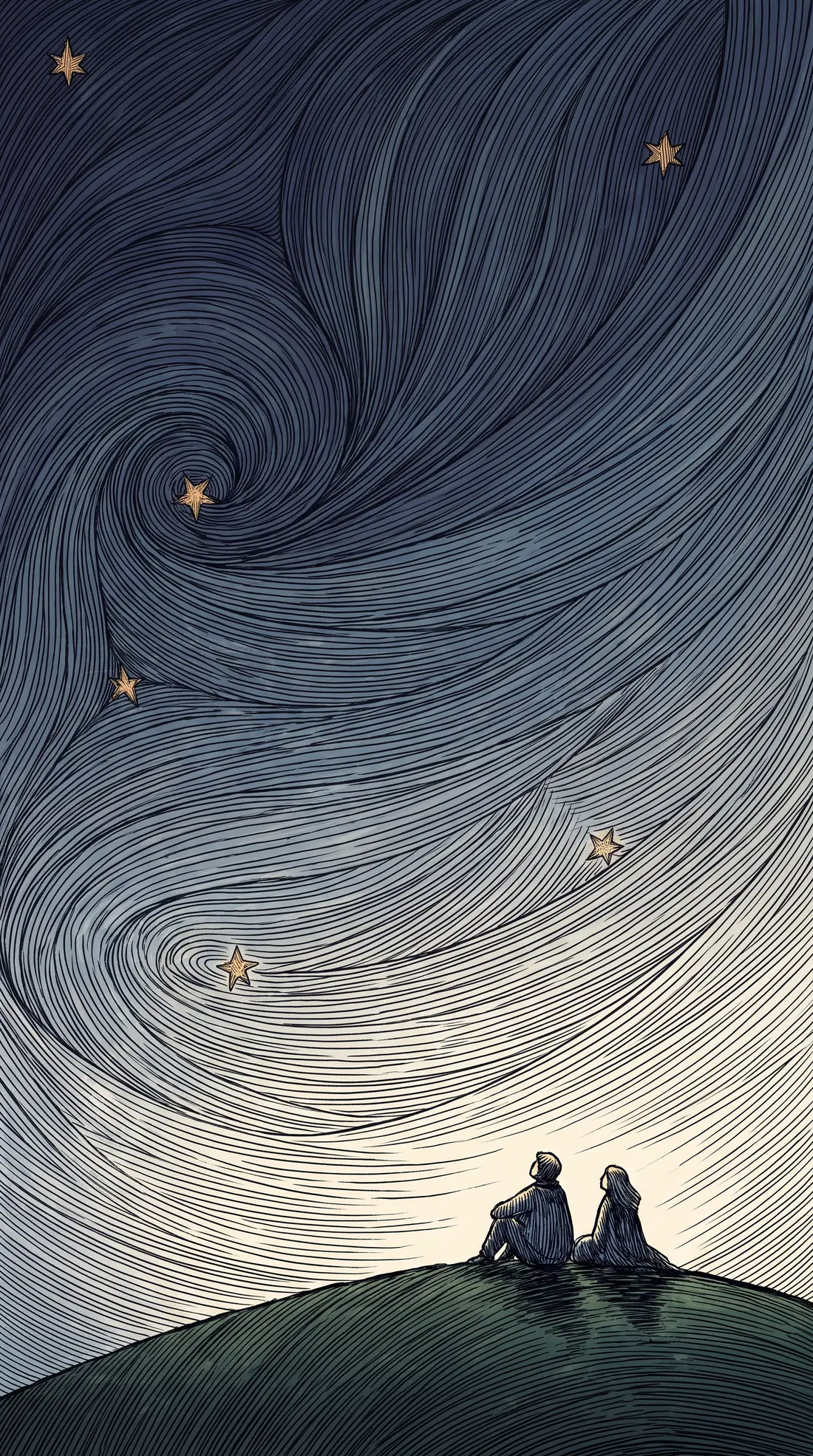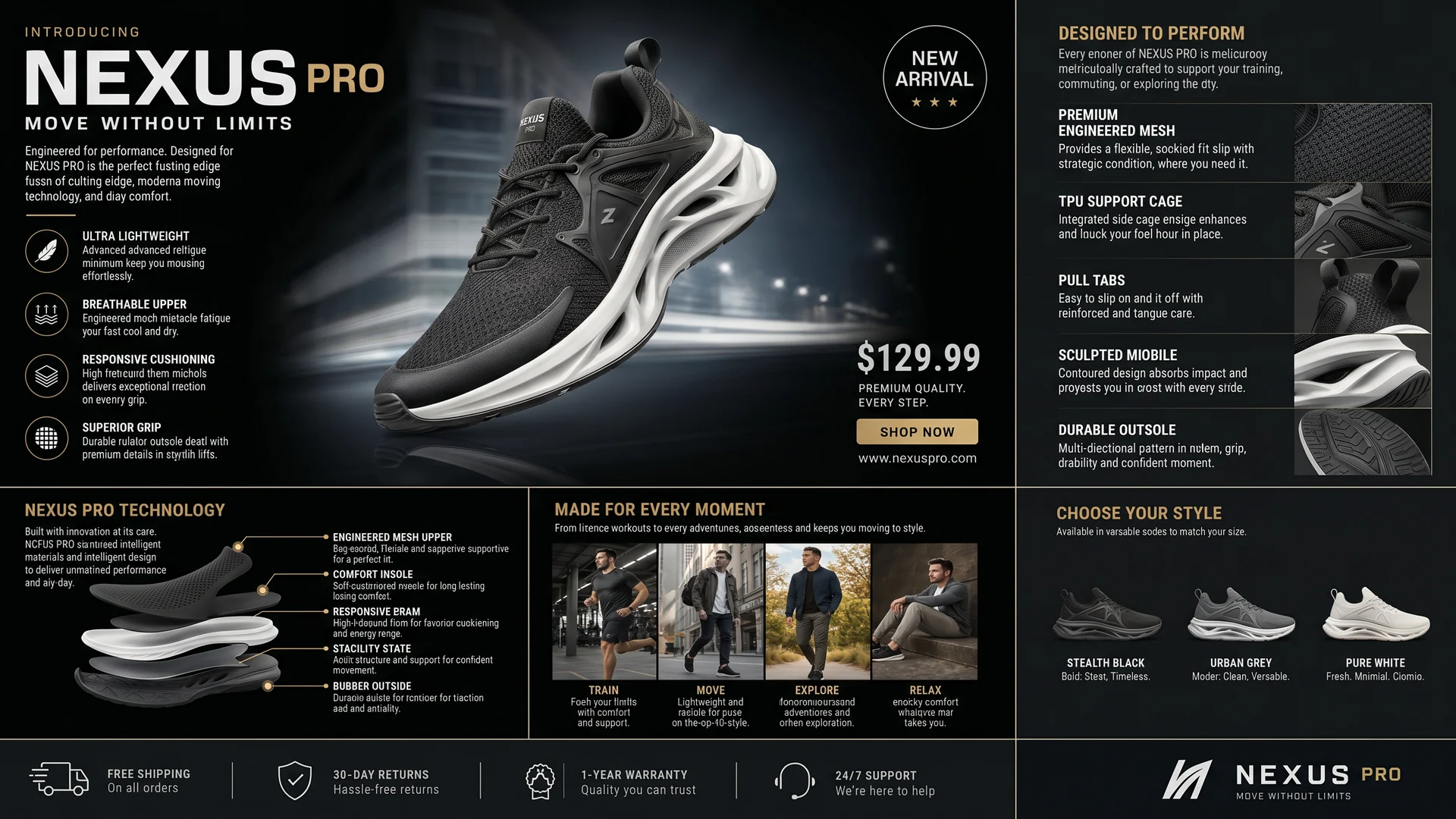
One poster, remade for every placement
The same product, headline, price and panels in each — rearranged for the shape rather than cropped out of it or padded around it. Nothing on the original is lost in the move.
-
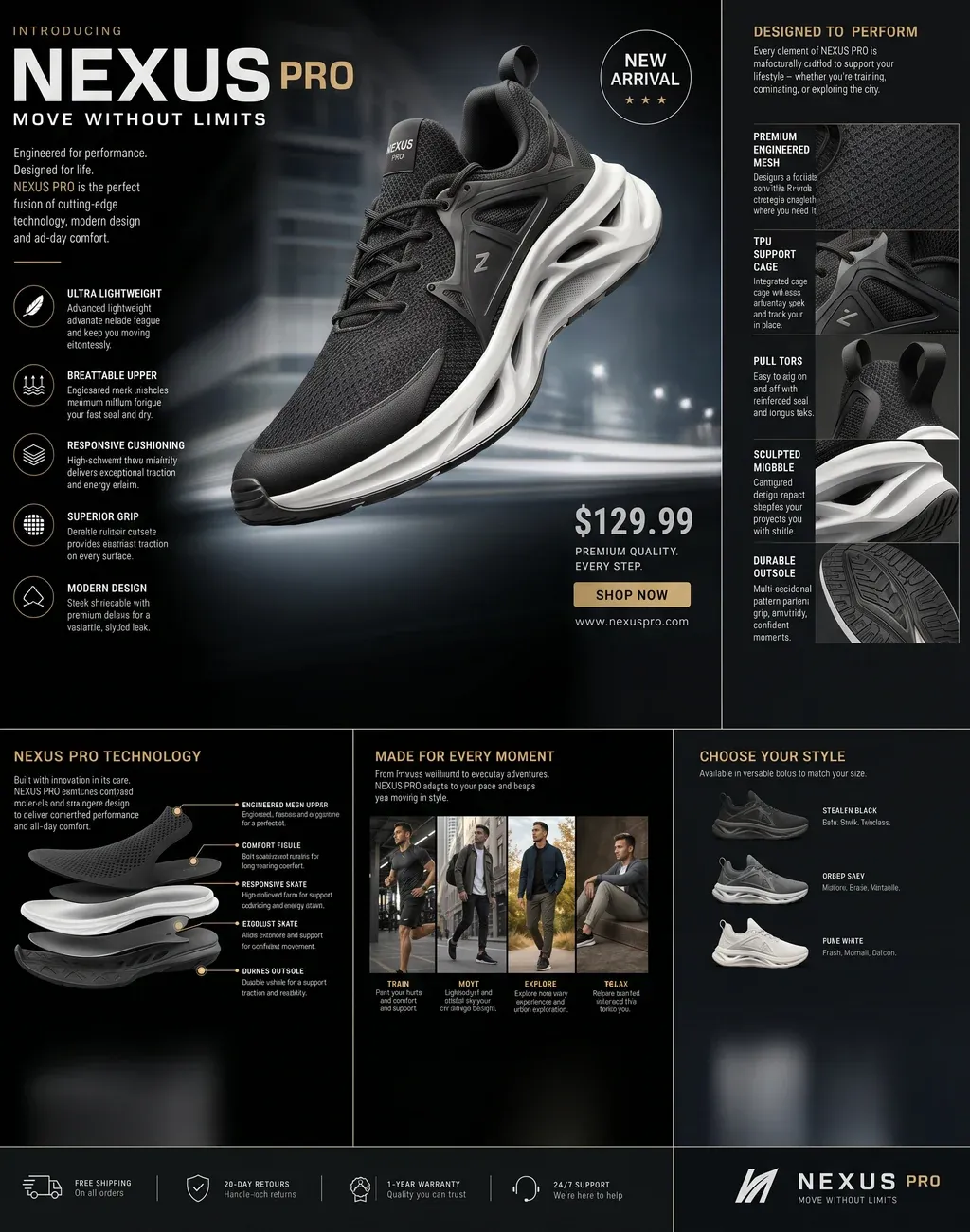
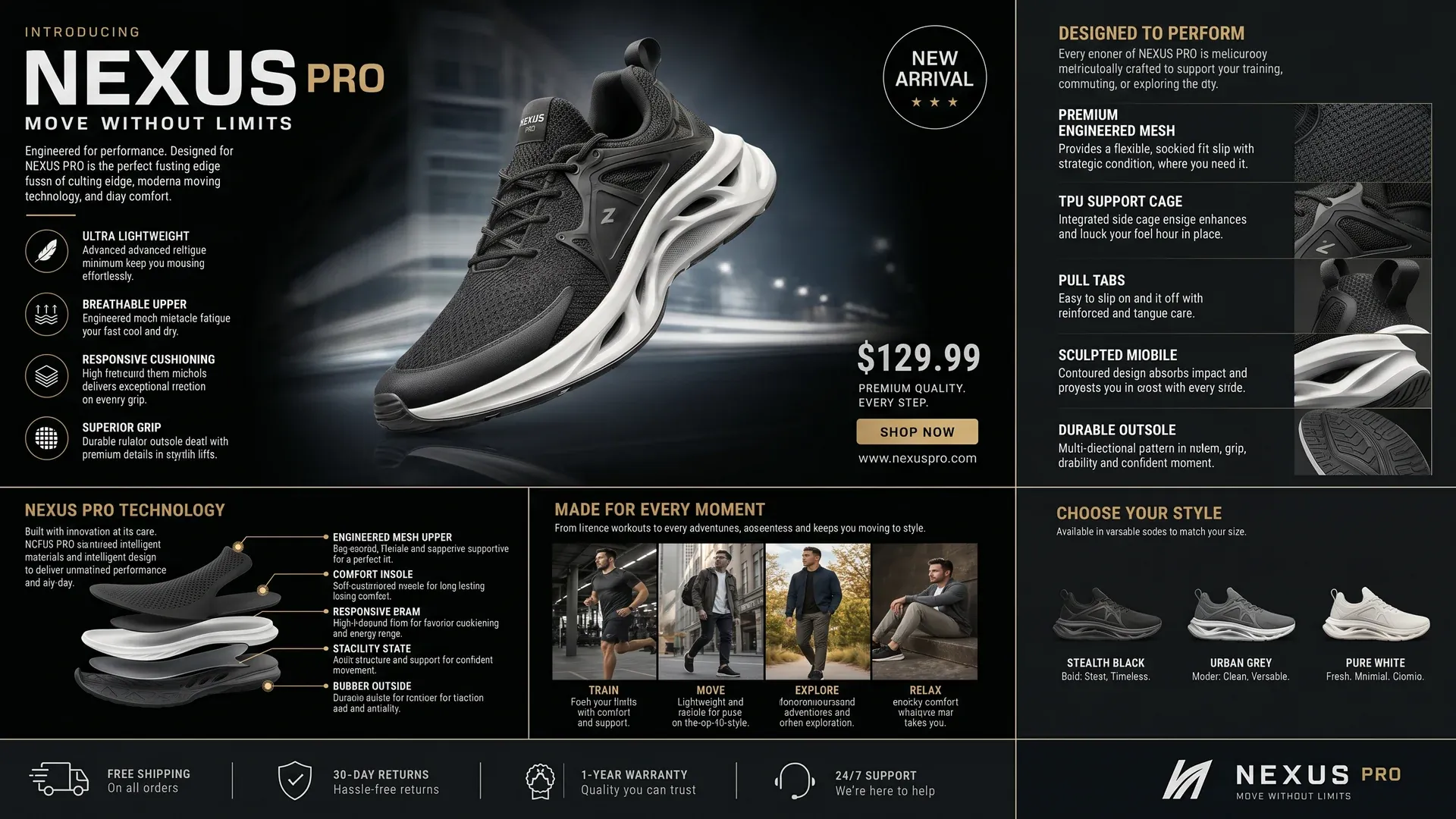 16:9 Landscape
 Remade as a wide banner: the hero, the spec panels and the colourways laid out side by side.
-
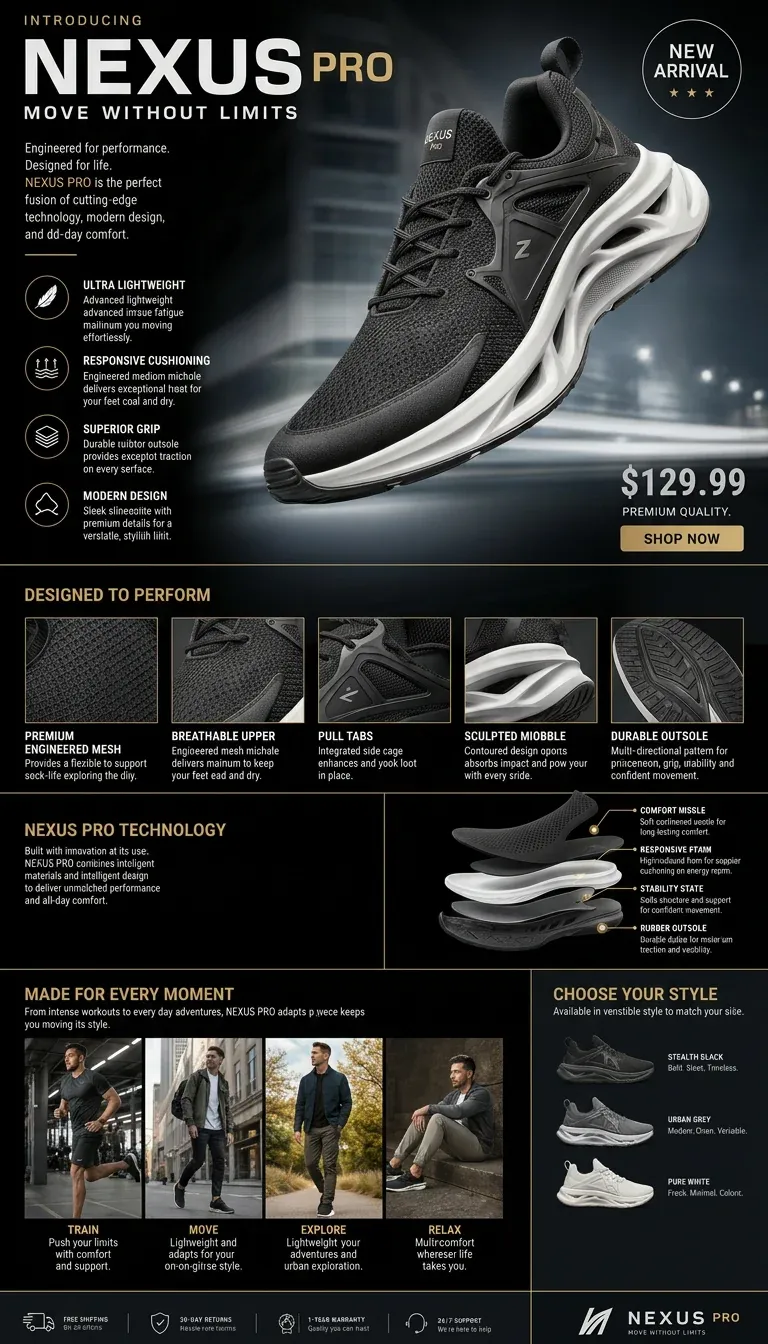 9:16 Story
 Remade as a story: the same panels stacked, with nothing dropped to make it fit.
Read the picture, then rebuild it for the frame
Upload the image
A poster, an ad, a key visual or a wallpaper. A vision model reads what is in it and what matters before anything is generated.
Pick a target size
One size per run, from six presets between square and 21:9 ultrawide, or your own dimensions anywhere from 64 to 3840 pixels a side.
Render the remake
The picture is remade at the new ratio with the same content, rearranged for that shape and trimmed to your exact pixels. An optional note steers it. Runs take roughly two to five minutes.
What Smart Resize takes, and what it returns
What Smart Resize needs from you
- Input
- One image, and one target size
- Target size format
- Width × height, 64 to 3840 pixels a side
- Price
- 40 credits at 1K or 2K, 70 at 4K
- Typical run time
- 2–5 minutes
Export specifications
- Output
- One image, at exactly the target size you asked for
- Pricing
- 1K 40 credits · 2K 40 · 4K 70, billed at the higher of your choice and what the target size implies
- Effective default
- 2K — the default target of 1920×1080 has a 2K floor
- Delivery
- The rendered image in your workspace library
The shape you need, and what has to make the move
One size per run, and the app shows the tier it will actually bill at rather than the one the dropdown is set to — a control that silently means something else at submit time is a control that lies.
-
Target size
One size, as width × height
Six presets: 1:1 at 1024×1024, 16:9 at 1920×1080 (the default), 9:16 at 1080×1920, 4:3 at 1024×768, 3:4 at 768×1024 and 21:9 at 2560×1080.
-
Custom dimensions
64 to 3840 pixels a side
Any size inside that range, for a placement none of the presets match. A 3840-wide target is a 4K job however the resolution dropdown is set.
-
What should survive
Optional, up to 1,024 characters
A note on what must come through — the logo, the price, the headline. Leave it empty and the model keeps the original content as closely as it can.
-
Resolution
1K, 2K or 4K
The floor, not the answer: the run is billed at the higher of this and the tier your target size implies. 1K and 2K both cost 40 credits; 4K is 70.
Engine choice
Pick the one that matches your source.
- Recompose
Smart Resize
A vision model reads the source and writes the brief; Nano Banana Pro then remakes the image at the new ratio with the same content, composed for that frame, and it is trimmed to your exact dimensions.
Posters, ads and wallpapers that have to run in several shapes
Built for one design that has to run in every shape
-
Performance marketers
Take one ad into every placement size a campaign buys — feed, story, banner — without rebuilding the layout by hand for each.
-
Designers
Remake a poster or key visual for a format it was never designed for, with the type, product and details carried across.
-
Wallpaper and content creators
Turn one wallpaper into desktop, phone and ultrawide versions that each look composed for their screen.
Often used with
Built for Growth at Every Stage
Every plan includes every model and every feature. Plans only change how many credits you get and how many generations run at once.
- Credits refresh monthly
- Top-up additional credits anytime
- Unused credits don't roll over

Not ready for the commitment?

FAQ
Frequently asked questions
Everything you need to know about Smart Resize on BeHooked.
Is this a crop, or an outpaint?
Neither. A crop throws part of the picture away and an outpaint pads new area around it. Smart Resize has a vision model read the image, then remakes it at the new ratio with the same content arranged for that shape — a poster's panels come back side by side in a banner, or stacked in a story.
Will my text, logo and product survive?
That is what it is built for: the vision step identifies what matters in the picture, and the remake keeps it. For anything critical, name it in the optional note — the logo, the price, the headline — and it is carried into the brief.
What is it best at?
Designed images where the layout carries the information — posters, ads, key visuals and wallpapers — which a crop would cut and an outpaint would leave stranded in the middle of the new frame.
What sizes can I ask for?
One per run, from six presets — 1:1 at 1024×1024, 16:9 at 1920×1080, 9:16 at 1080×1920, 4:3 at 1024×768, 3:4 at 768×1024 and 21:9 at 2560×1080 — or any custom dimensions between 64 and 3840 pixels a side. The output is exactly that size.
How is it priced?
1K and 2K both cost 40 credits, and 4K costs 70. The run is billed at the higher of the resolution you picked and the tier your target size implies, so a 3840-wide target is a 4K job however the dropdown is set. The app shows the effective tier rather than the chosen one. Failed runs are refunded.
What resolution do I get by default?
2K in practice. The resolution control starts at 1K, but the default target size is 16:9 at 1920×1080, whose floor is 2K — and the higher of the two is what runs.
How long does it take?
Roughly two to five minutes.