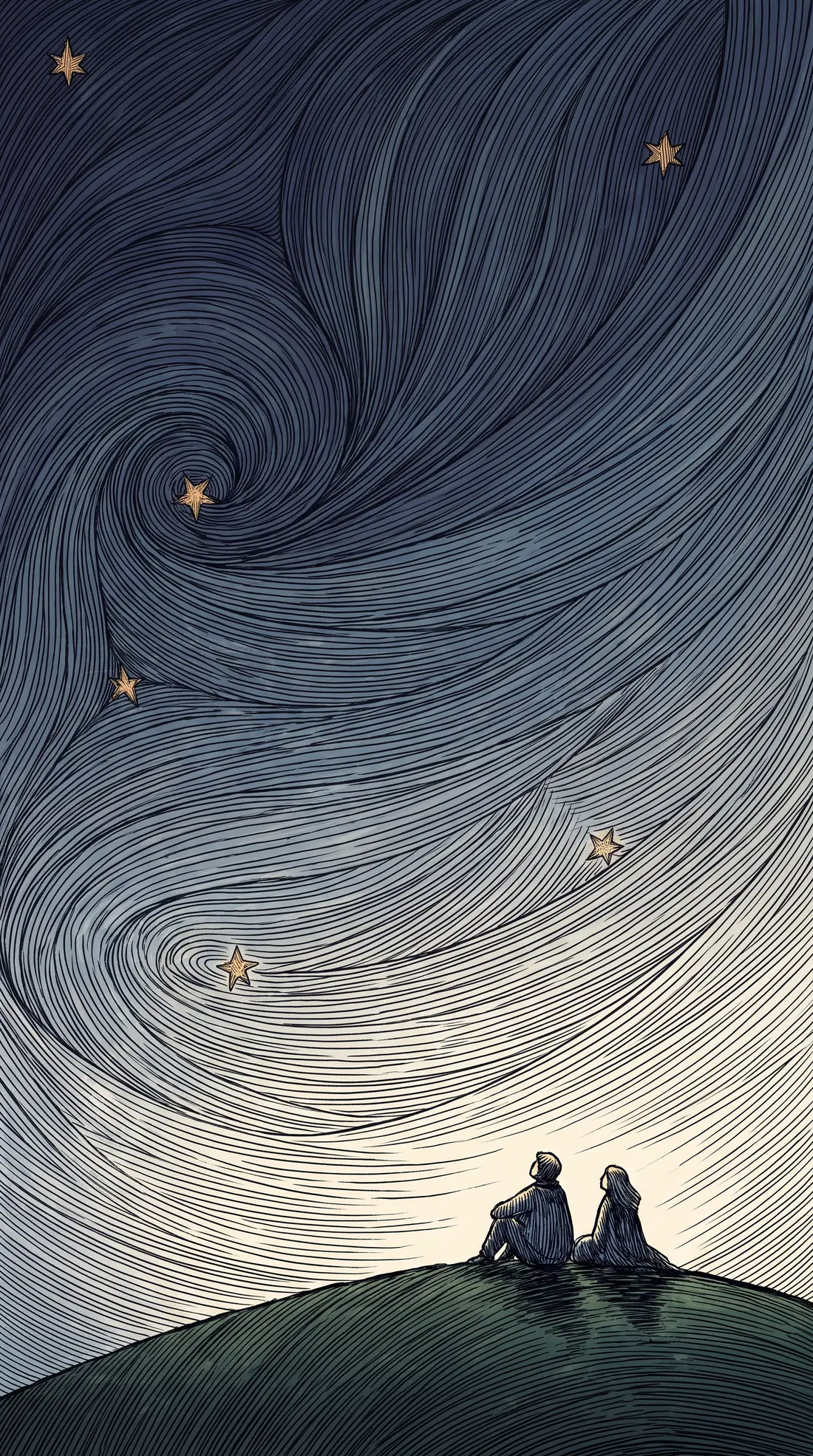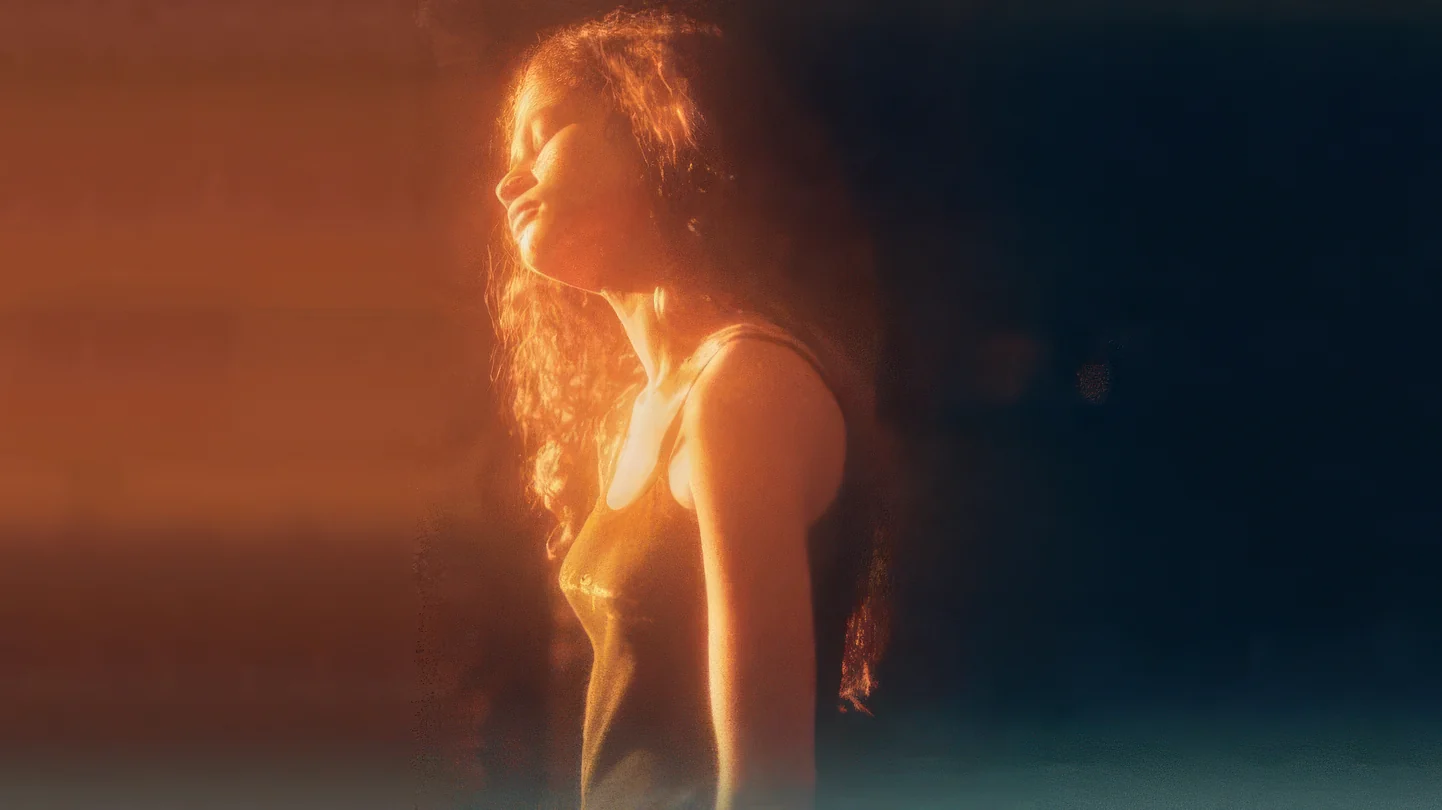
Detail that was not in the file
Drag to compare. Every pair is one source image and its enlargement.
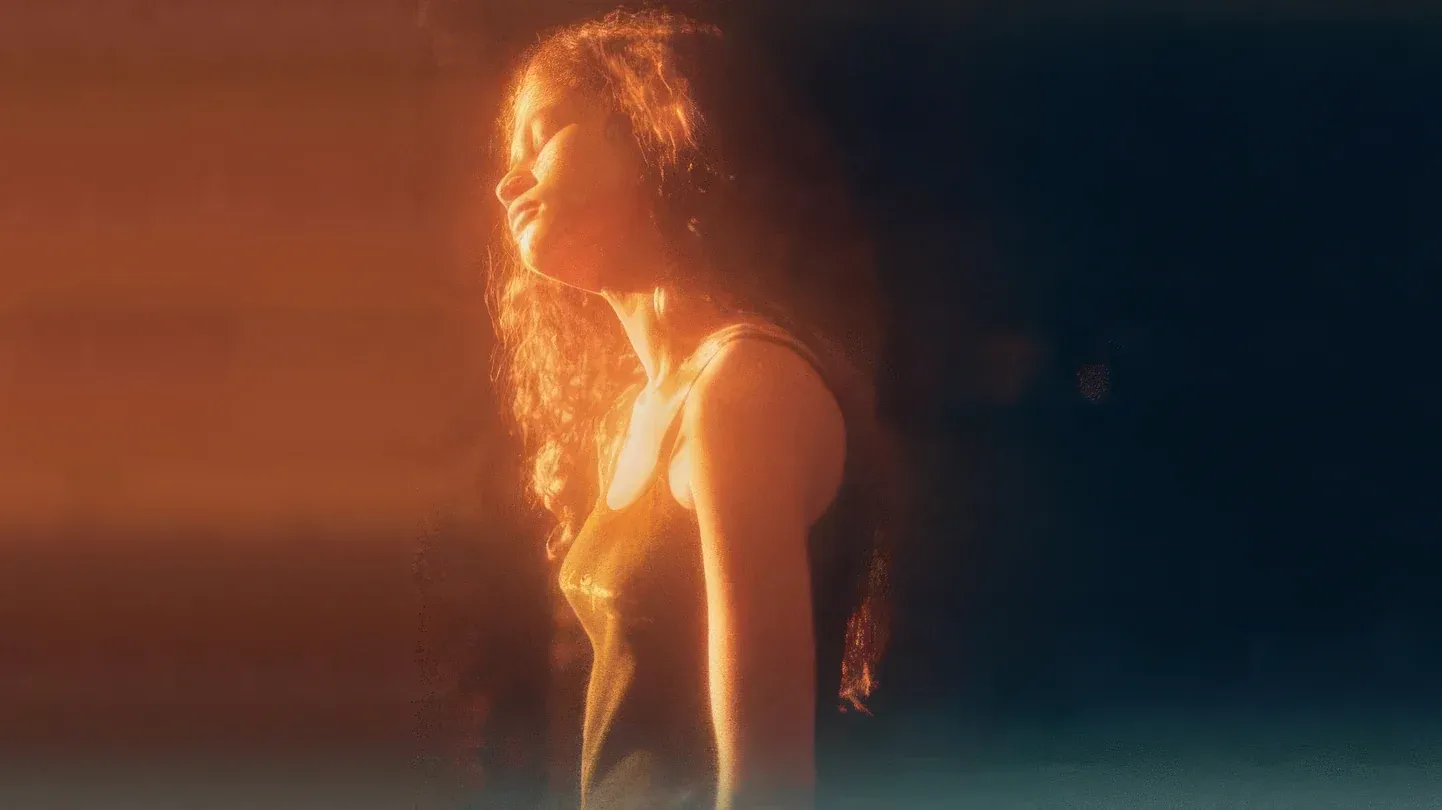
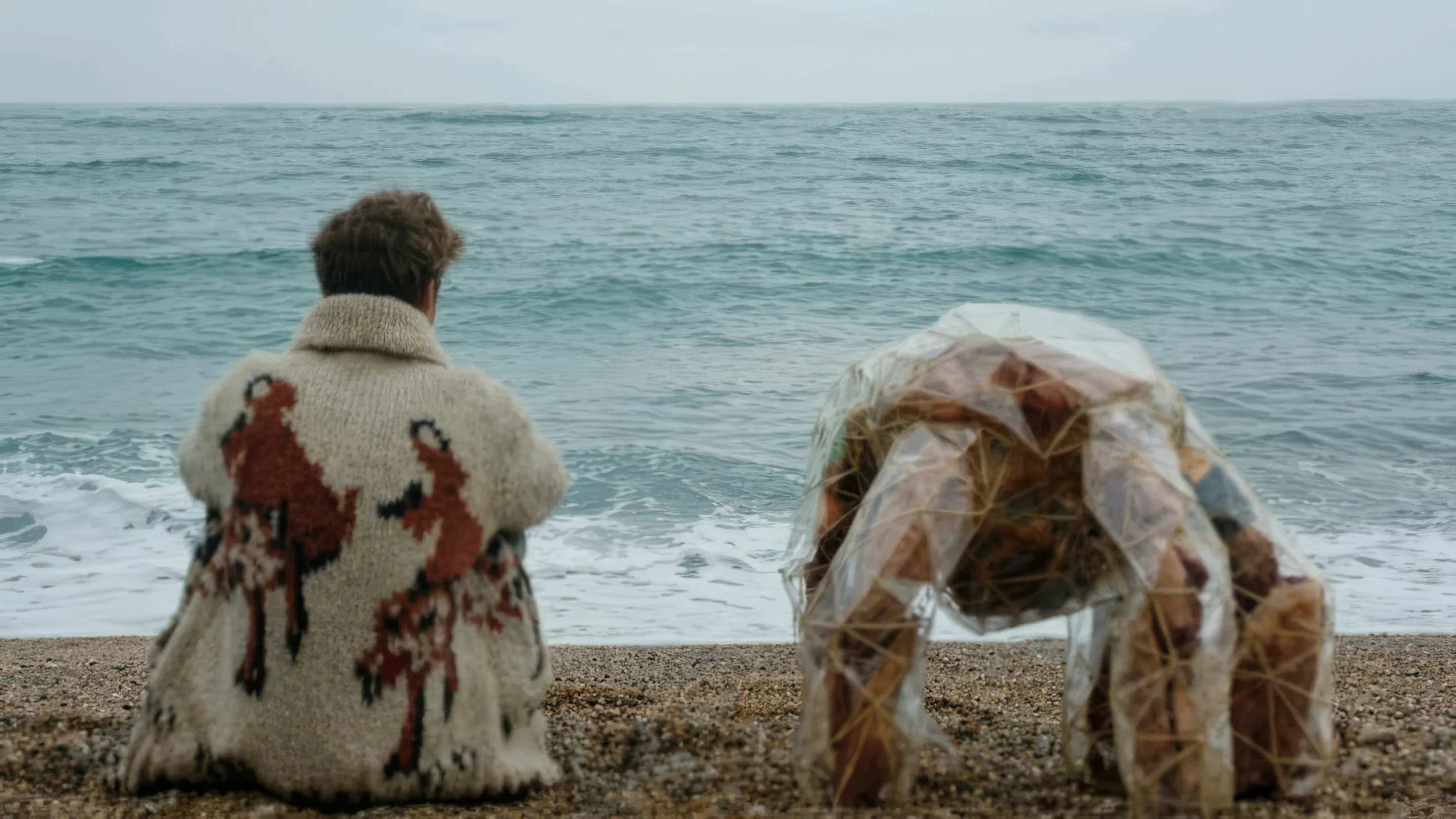
Landscape frame
A web-size frame at 2×, with the edge detail held rather than smoothed into a gradient. Read the texture at the divider, not the outline.
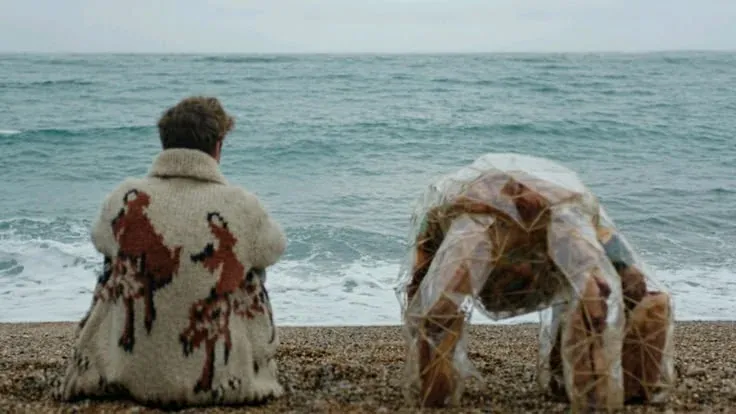
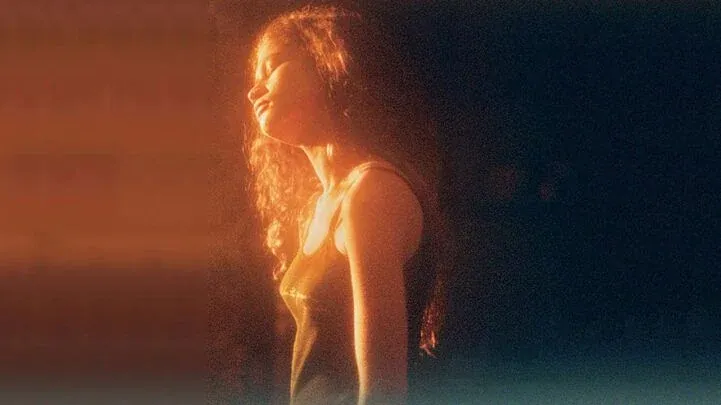
Small source at 4×
The harder of the two: a 736-pixel-wide file taken to 2944, where there is four times as much frame to invent as there is to keep.
Upload, pick a factor, compare the result
Upload the image
Drop a still into the app. It is uploaded to your workspace rather than fetched from a link.
Choose a factor and a model
1×, 2×, 3× or 4×, and a choice of ten models. The app shows only the controls the model you picked takes.
Render and compare
Runs in roughly two to five minutes. The result step opens with the before and after behind a drag handle, and the enlargement lands in your library at full resolution.
What Upscale Image takes, and what it returns
What Upscale Image needs from you
- Input
- One image, uploaded to your workspace
- File size
- Up to 200 MB per upload
- Mode
- Image — the same app also runs on video
- Typical run time
- 2–5 minutes
Export specifications
- Pricing
- By output size — 24MP 245 credits · 48MP 490 · 96MP 980 · 512MP 4,165
- Comparison
- Before and after behind a drag handle on the result step
- Delivery
- Rendered file in your workspace library
How far to enlarge, which model does it, and how much to fine-tune
Ten models, and the controls change with the model: pick one that does not take a setting and the setting is not rendered rather than quietly ignored.
-
Upscale factor
1×, 2×, 3× or 4×
Multiplies both dimensions. 2× is the default. The price follows the megapixels the output lands in, so the same factor costs more on a larger source.
-
Model
Ten image models
Standard V2, Low Res V2, CGI, High Fidelity V2, Text Refine, Recovery, Recovery V2, Redefine, Standard MAX and Wonder.
-
Mode
Image or video
One app, two pipelines. Stills are priced by the output size they land in.
-
Face enhancement
On or off, with strength and creativity
You decide how much reconstruction a face receives rather than accepting a fixed amount.
-
Model-conditional controls
Rendered per model
Redefine adds creativity, texture, an auto-prompt and a written direction; Recovery V2 adds detail; Text Refine adds strength.
-
Restoration controls
Sharpen, denoise, compression repair, subject detection
The general cleanup pass, applied alongside the enlargement rather than after it.
Built for images smaller than the surface they have to fill
-
Ecommerce teams
Take supplier images that arrived at thumbnail size up to the resolution a product page zoom needs.
-
Designers and print buyers
Push a still past its native pixel count for large-format output, with tiers that run to 512 megapixels.
-
Photographers
Recover detail in older or heavily compressed frames rather than reshooting them.
Often used with

Built for Growth at Every Stage
Every plan includes every model and every feature. Plans only change how many credits you get and how many generations run at once.
- Credits refresh monthly
- Top-up additional credits anytime
- Unused credits don't roll over

Not ready for the commitment?

FAQ
Frequently asked questions
Everything you need to know about Upscale Image on BeHooked.
How large can an image get?
The factor tops out at 4×, and the price follows the size of the output: 245 credits up to 24 megapixels, 490 up to 48, 980 up to 96 and 4,165 up to 512.
Which model should I pick?
Ten are offered: Standard V2 and Standard MAX for general work, Low Res V2 for small sources, CGI for rendered images, High Fidelity V2 and Wonder for detail, Text Refine when lettering has to survive, Recovery and Recovery V2 for badly degraded frames, and Redefine when the model has to invent texture rather than restore it.
Why do the controls change when I change model?
Because each model takes a different set. Redefine adds creativity, texture, an auto-prompt and a written direction; Recovery V2 adds detail; Text Refine adds strength. A control the request would drop is not rendered at all.
Is there a grain control?
Not on stills. Grain is a video-only control, on Upscale Video.
How long does an image take?
Roughly two to five minutes. Video runs on the same app take longer, five to ten minutes.
Will faces look artificial?
There is a dedicated face enhancement control with its own strength and creativity settings, so you decide how much reconstruction is applied rather than accepting a fixed amount.
What happens if a run fails?
Failed runs are refunded.